

































Joingy Random Video Chat with Strangers
Meet new people online
See and hear strangers on live video, one person at a time. If you get on well with someone, you can find them again later.
Start Video ChatNo sign up · Free to start · 18+
Live video chat
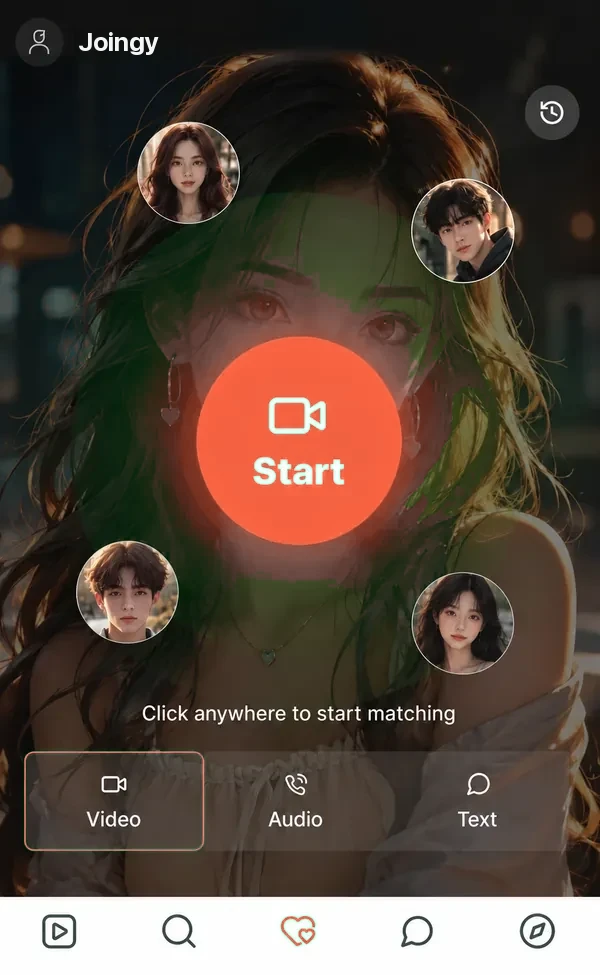
Joingy video chat, one stranger at a time
One tap on start puts a new face on your screen within seconds.
One-on-one
It’s only ever the two of you, never a crowd.
Skip any time
Not clicking? One tap moves you on to the next stranger.
Your camera, your call
Nothing is shared until you give your browser permission.
Camera shy? Voice and text chats are there too, and a call can move to video whenever you’re ready.
First time? See what a first call looks like and how to talk to strangers online without the nerves.
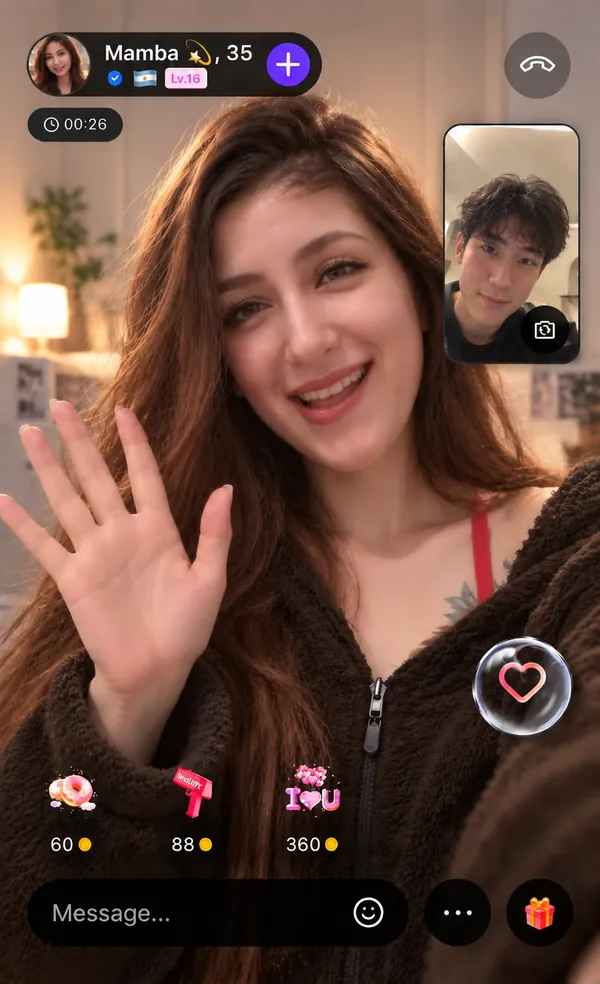
After the call
What happens after a Joingy chat ends
Most chats with strangers vanish the moment someone taps next. Here they stick around.
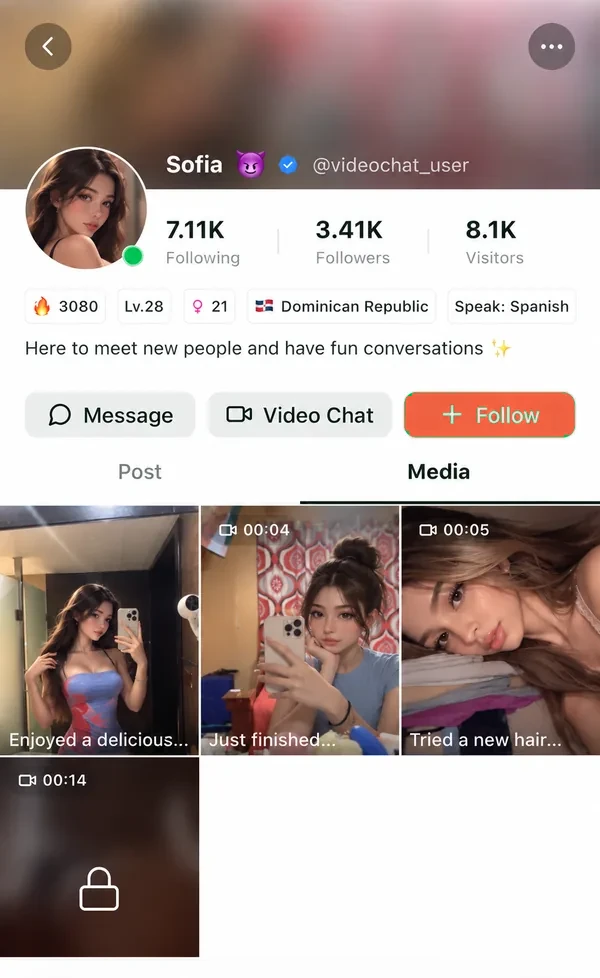
A profile
Name, country and photos, so you know who you met.
Your messages
The thread stays in your inbox.
Another call
Follow them and call when they’re back.
Following someone needs an account.
Your pick
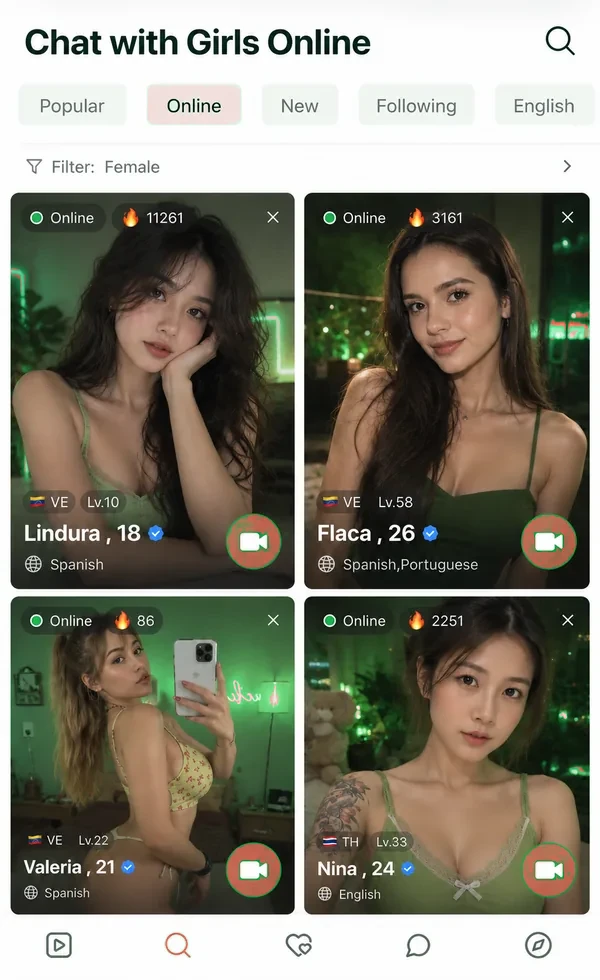
Or pick a stranger who’s online
Rather choose than leave it to chance? The online list shows who’s free right now.
- Name and country
- Languages spoken
- Call from the list
joingy.me vs joingy.com
How joingy.me differs from joingy.com
Both let you meet strangers over video or text in a browser. The difference is what happens around the chat.
People you can find again
joingy.comEveryone shows as “Stranger”
joingy.meProfiles, saved messages, follows
Choosing who to call
joingy.comRandom matching only
joingy.meRandom, or pick from who’s online
See the full comparison and other Joingy alternatives →
Wanted joingy.com itself? It’s a different site, and you’ll find it by typing joingy.com into your address bar.
Questions people ask
Is joingy.me the same as joingy.com?
No. joingy.me is a separate site with its own team. We aren’t affiliated with joingy.com, so we can’t help with anything on that site. More about who runs joingy.me.
Do I need to sign up?
There’s no sign-up form. An account is created for you when you start, and a few features, like following people, ask you to register. How video chat with no registration works here.
Is Joingy free to use?
Starting costs nothing, and new users get free matches. Longer calls use coins, and the cost is on screen before you’re connected.
Can I chat without turning on my camera?
Yes. Voice and text work without a camera, and you can also switch yours off during a call.
My camera or microphone won’t work. What should I do?
Allow access when your browser asks, or use the camera icon next to the web address to turn it back on. Close other apps using the camera, and try Wi-Fi if you’re on mobile data.
A stranger is waiting to say hi
One tap and you’re in a conversation. Skip whenever you like.
Start ChattingFree to start · 18+